2× faster generation
Optimized inference cuts generation time in half, delivering results in under 60 seconds with the Rapid edition.
Generate production-ready 3D models from text or images in under a minute. The fastest, highest-fidelity version of Tencent's Hunyuan 3D series with up to 8K PBR textures. Create 3D from text or images in seconds.
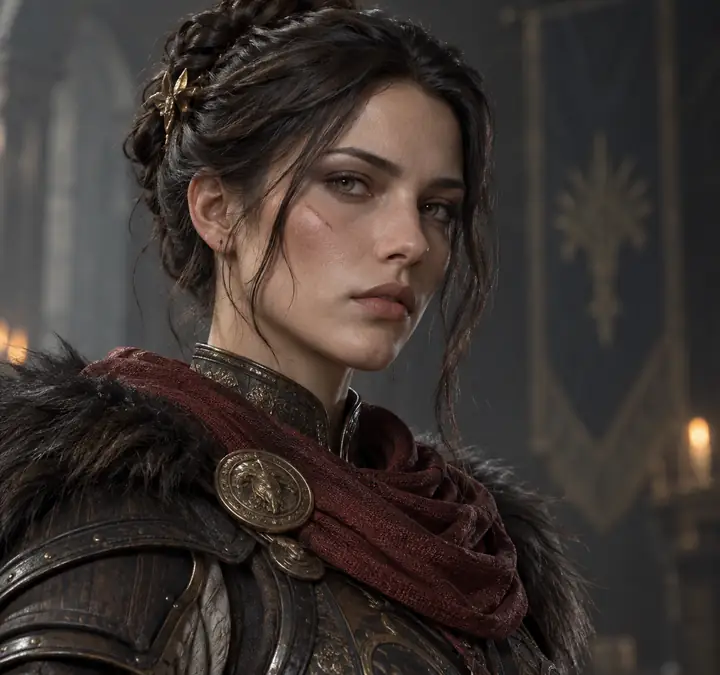
The biggest leap in Tencent's 3D generation series
Optimized inference cuts generation time in half, delivering results in under 60 seconds with the Rapid edition.
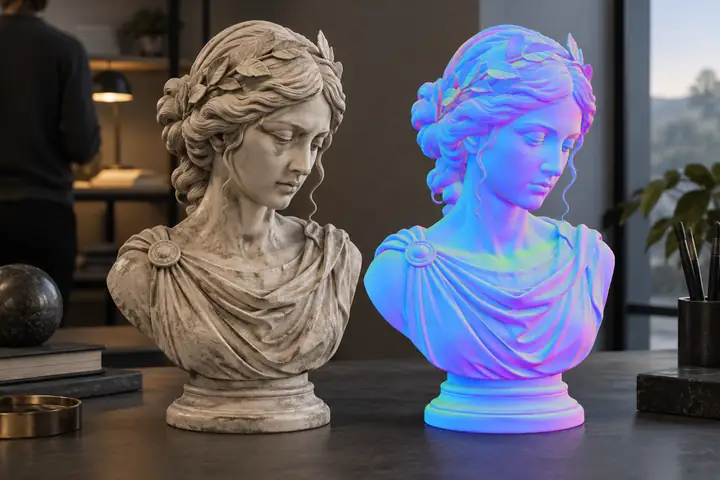
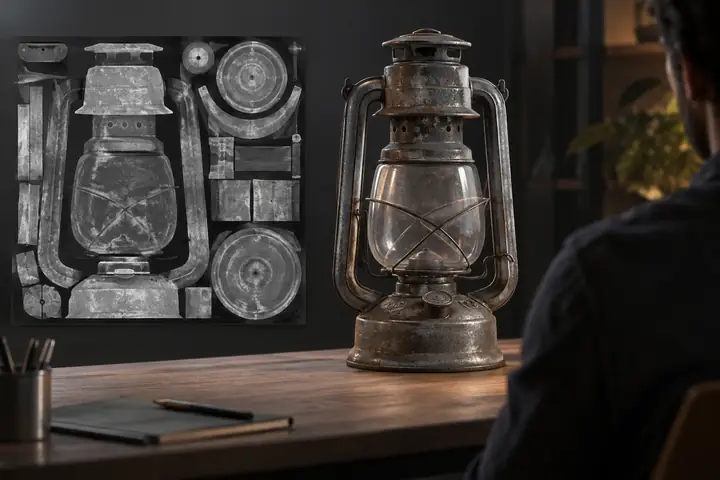
Higher-resolution maps bring improved albedo, normal, metallic, and roughness channels to every material.
Better thin-structure handling and watertight mesh generation create cleaner joints, edges, and fine details.
Expanded multi-view input supports more angles for accurate reconstruction from reference photos.
Generate models with up to 2 million faces for geometric detail that fits demanding production workflows.
Physics-grounded PBR synthesis improves metallic reflections, subsurface scattering, and transparency handling.
Real outputs, no post-processing. Text and image input supported.
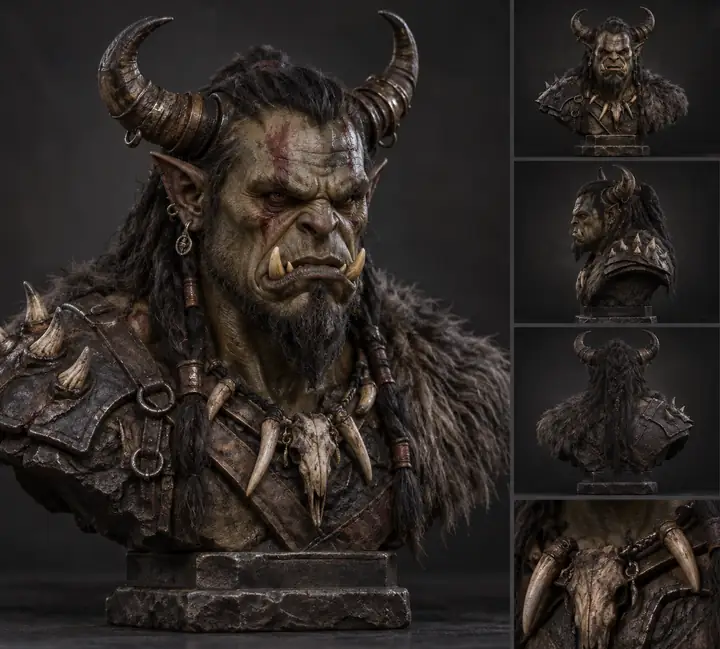
Describe what you want and receive a fully textured 3D model. No reference image needed.
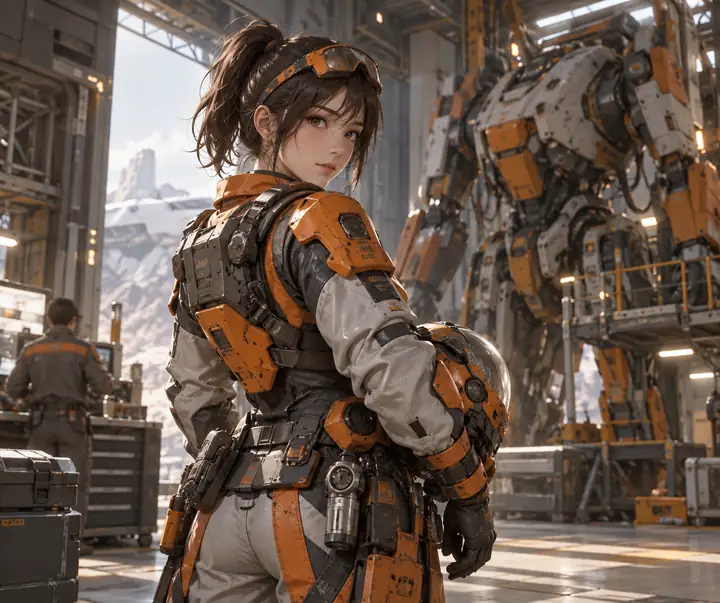 Albedo
“anime-style female engineer in orange and gray power armor”
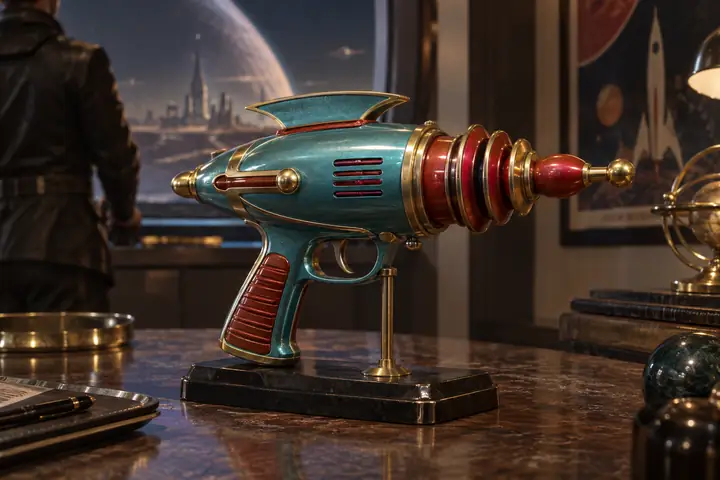 PBR
PBR
“retro sci-fi ray gun, turquoise red and gold, stylized 3D weapon”
 Albedo
“stylized treasure chest with gold coins, padlock, vines and moss”
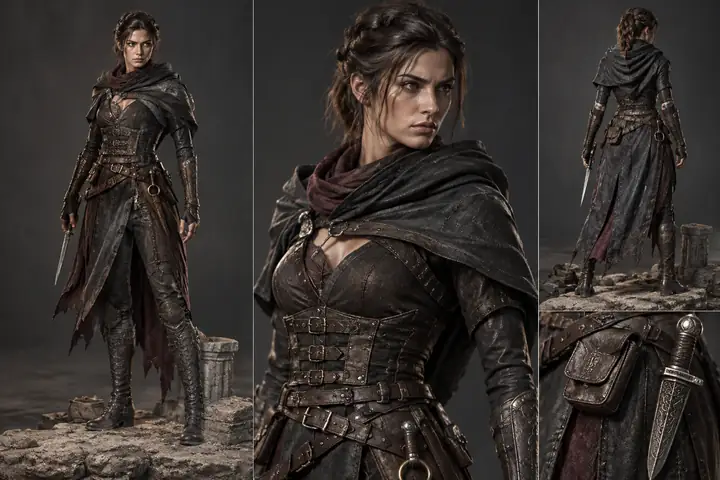
Upload a photo or concept art and get a matching 3D model with PBR materials.
 Albedo

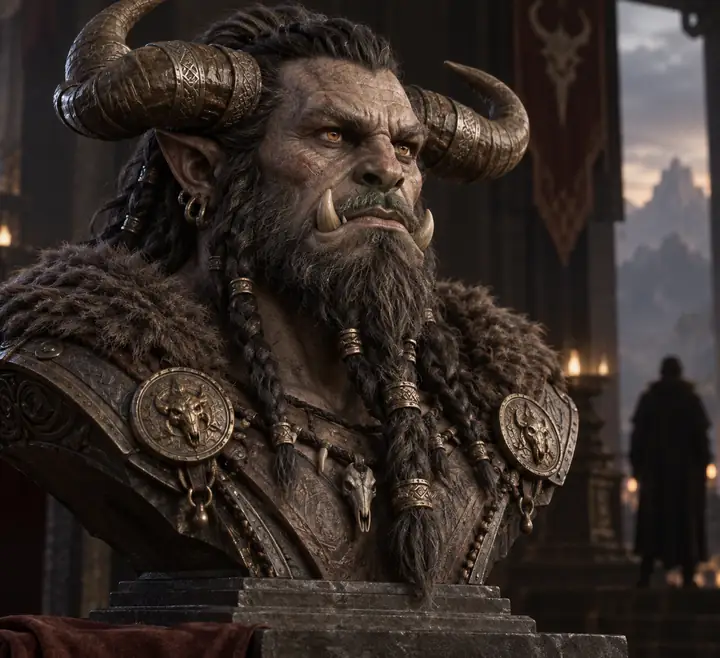 PBR
PBR
 Albedo
From game assets to 3D-printed figurines, Hunyuan3D 3.5 fits into any creative workflow.
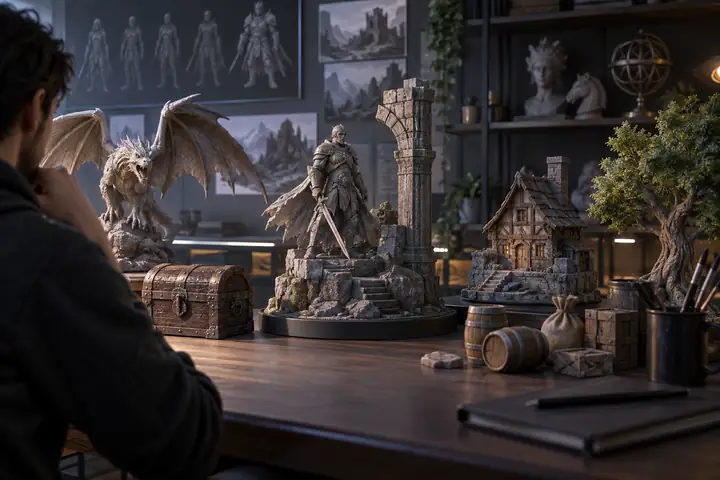
Characters, props, and environments from concept art
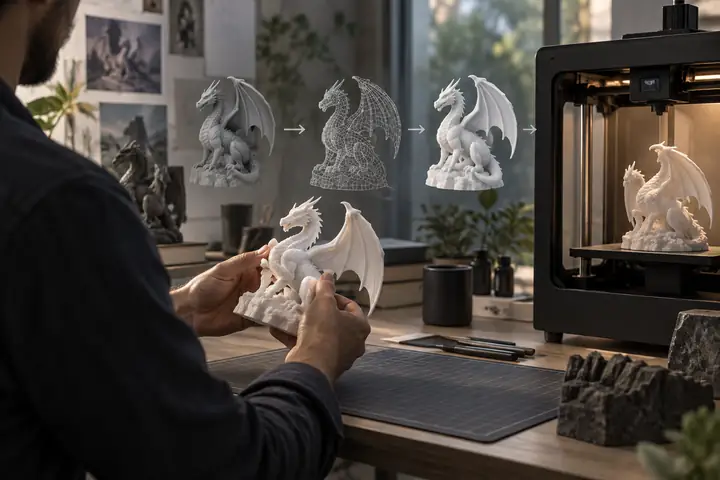
Print-ready models and figurines from text or photos
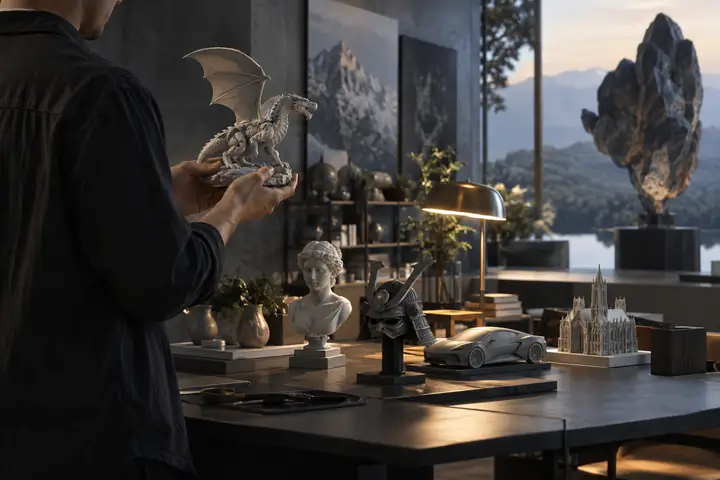
PBR-ready assets for VR, AR, and spatial experiences
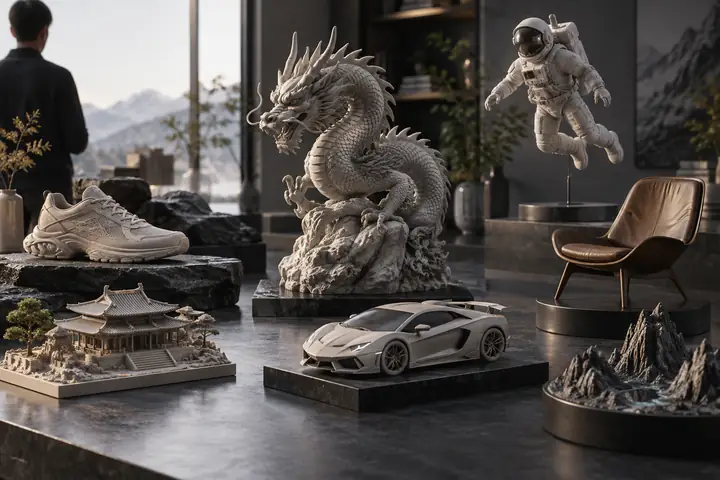
Product photos to interactive 3D for your store
From idea to downloadable 3D model in four steps
Enter a text description or upload a reference image. Multi-view photos are also supported.
Hunyuan3D reconstructs geometry and applies PBR textures automatically in under 60 seconds.
Inspect the model in an interactive viewer. Rotate, zoom, and check every angle.
Download GLB, OBJ, FBX, STL, or USDZ files for Blender, Unity, Unreal, or printing.
Multiple input methods to match your workflow
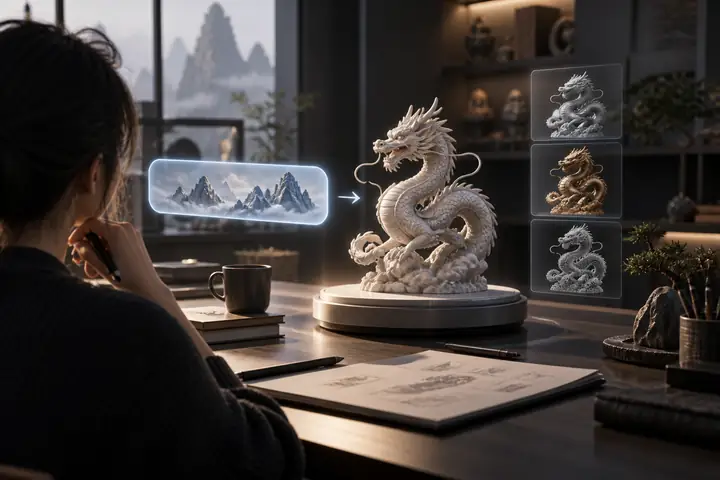
Describe any object in natural language. Hunyuan3D generates the complete model and textures from your description alone.
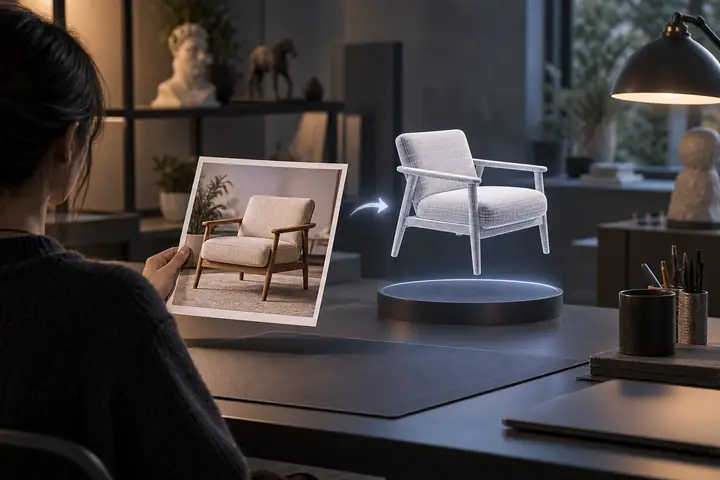
Upload a product photo, concept art, or reference image. The model reconstructs accurate geometry that matches your input.
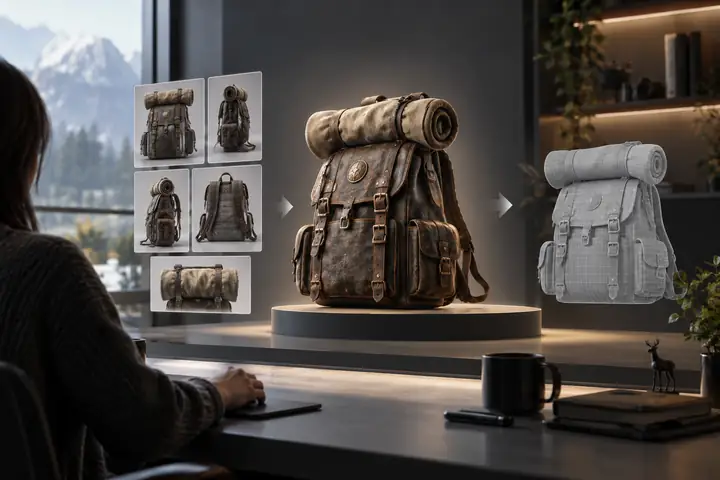
Provide reference images from multiple angles for the most accurate reconstruction. Front, side, back, and top views supported.
Production-quality materials generated automatically

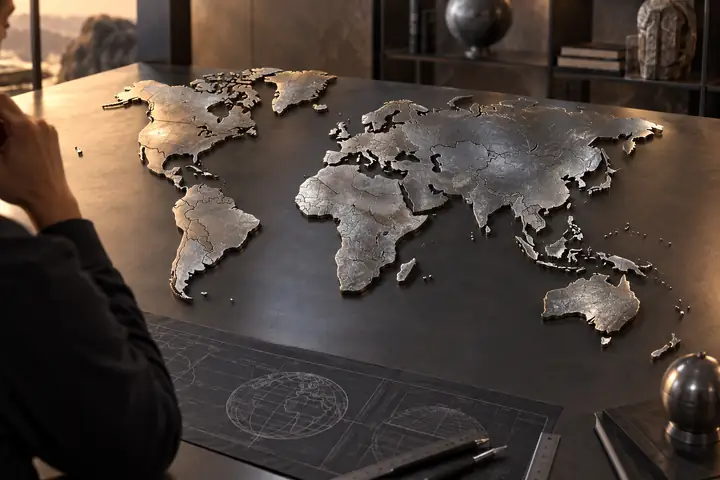
Whether you are building a game, visualizing products, or creating content, Hunyuan3D fits into your existing workflow. No 3D modeling experience required.
Characters, props, and environments from concept art.
Product photos to interactive 3D models for your store.
Visualize ideas in 3D before committing to full production.
Generate printable STL files from images or text descriptions.
Choose the generation workflow that best fits your project.
| Feature | Hunyuan3D 3.5 | Trellis 2 | Hunyuan 3D 3.0 |
|---|---|---|---|
| Input | Text, image, multi-view | Single image | Text, image, multi-view |
| Speed | Under 60s (Rapid) | 1–3 min | 2–6 min |
| Max texture | 8K PBR | 4K PBR | 4K PBR |
| Max polygons | Up to 2M | Automatic | Up to 1.5M |
| PBR materials | Included | Always included | Optional |
| Text to 3D | Yes | No | Yes |
| Best for | Maximum quality & speed | Fast, affordable image-to-3D | Flexible generation modes |
| Export formats | GLB, OBJ, FBX, STL, USDZ | GLB, OBJ, FBX, STL | GLB, OBJ, FBX, STL |
Generate your first 3D model in under a minute with a fast, browser-based workflow.